← All apps
A home cinema app for Apple devices

Reelhouse

Your movie and TV library, on every screen in the house. Reelhouse plays from a Plex server, from file shares on your network, or from files on the device, with a player that handles 4K, HDR, Dolby Vision and nearly any subtitle format. Watch progress follows you from the Mac to the iPhone to the TV.

macOS 15iPhoneiPadApple TV
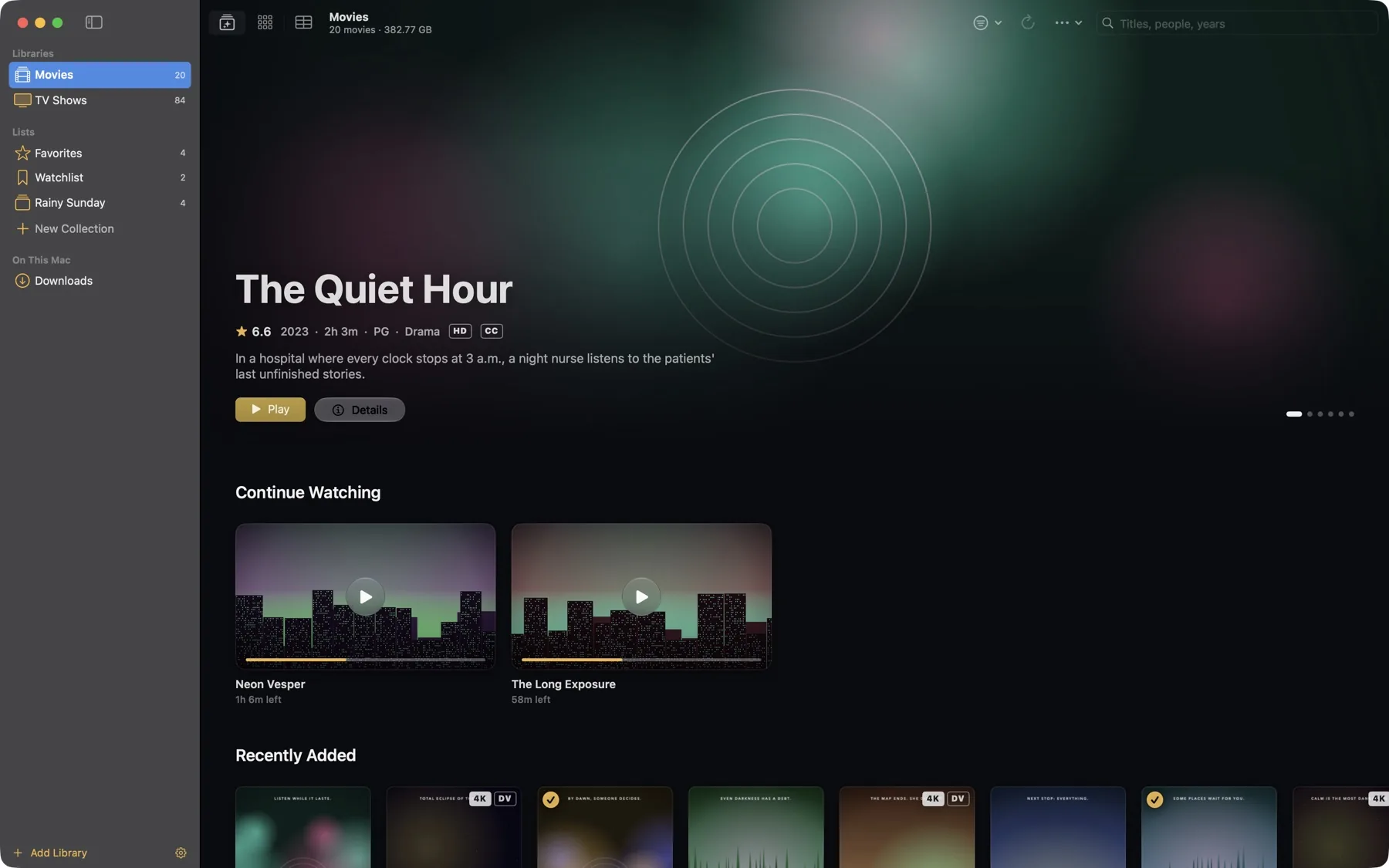
Reelhouse on Mac: the Movies home with a featured title and Continue Watching Reelhouse on iPhone: the Movies home
Reel 1 · 7 screens

Mac

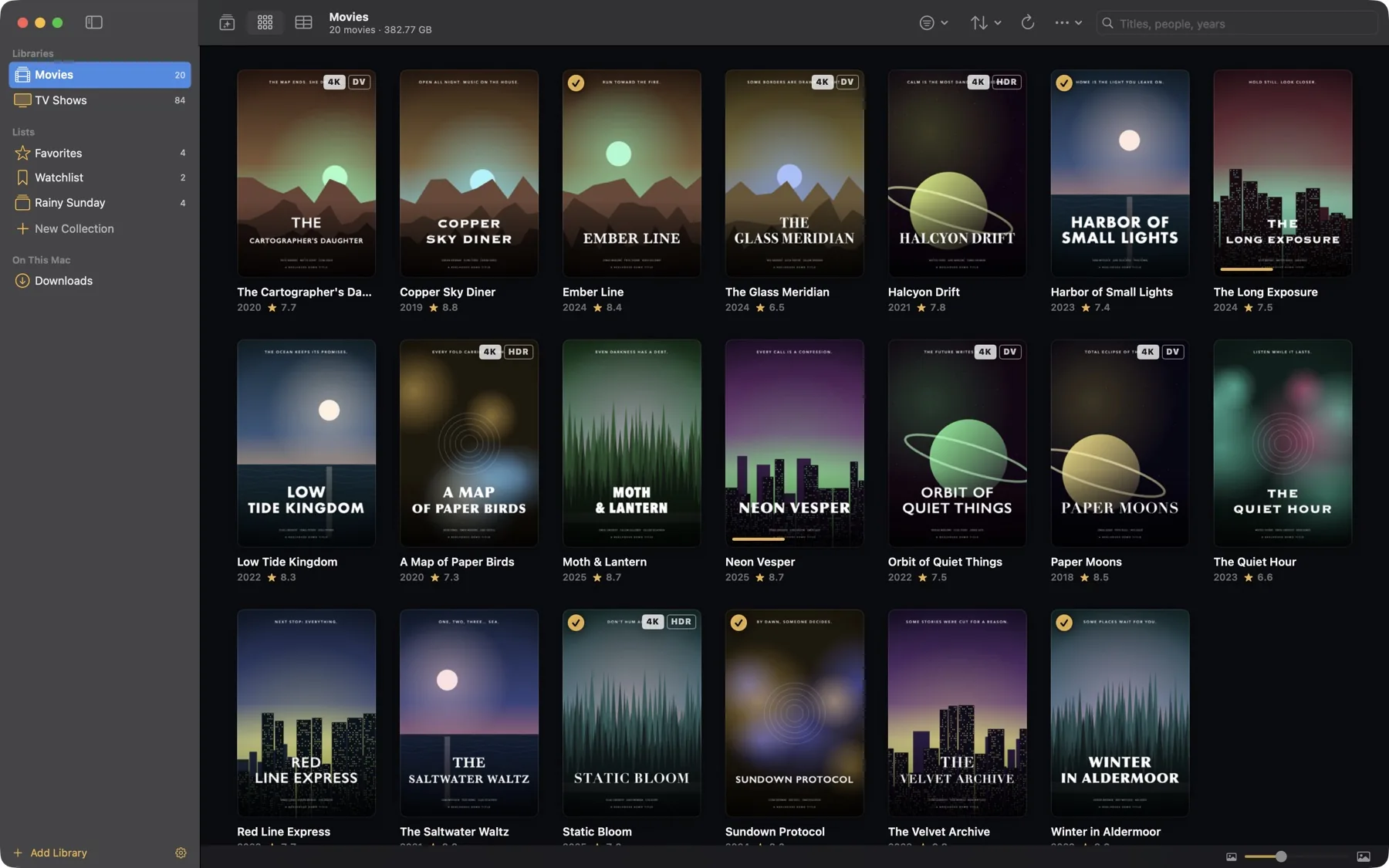
The full library manager. A sidebar of libraries and lists, poster grids for browsing, and a sortable table that shows every file's resolution, HDR format, bitrate, codecs and size at a glance.
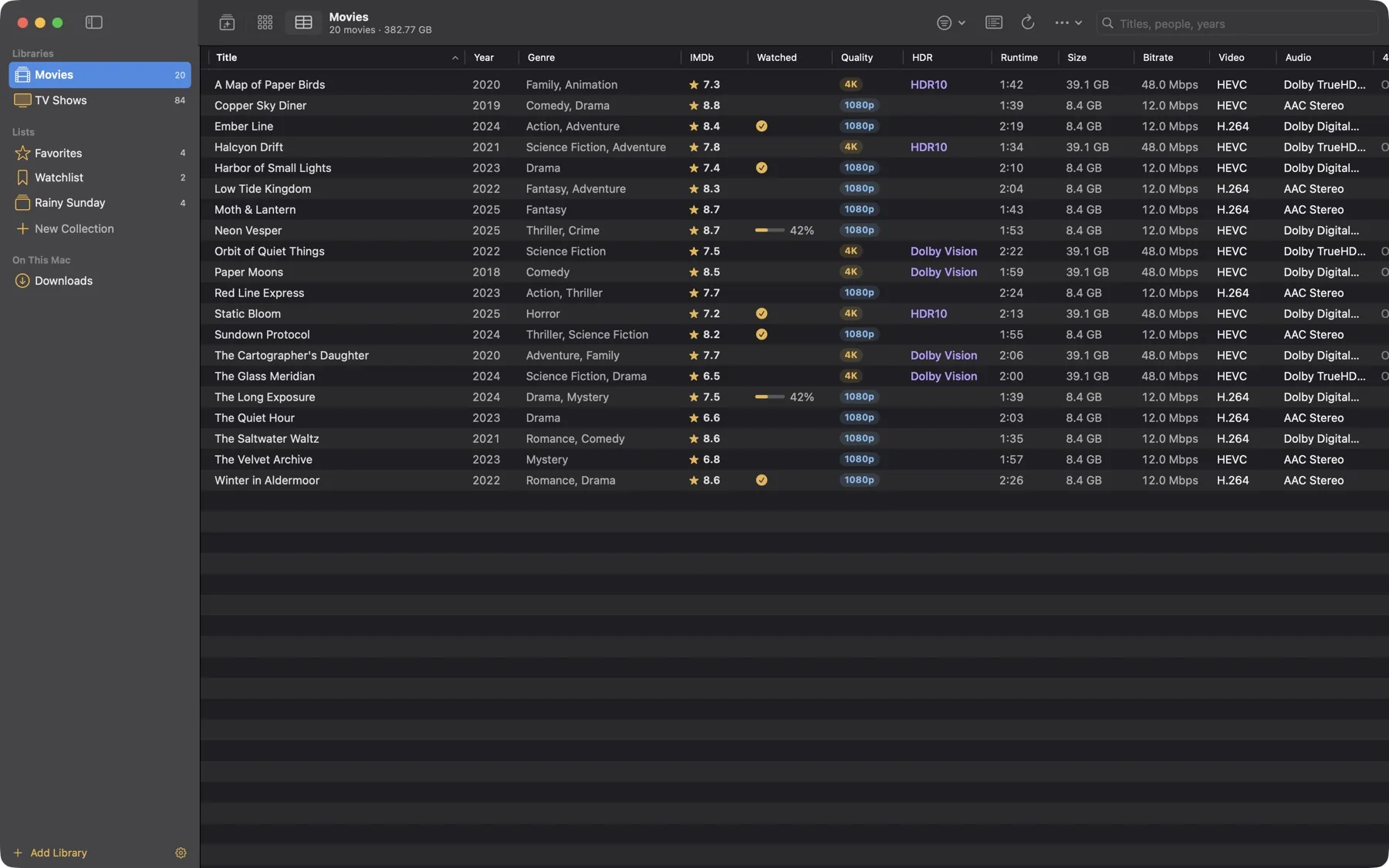
Movies as a sortable table with quality, HDR, runtime, size, bitrate and codec columns
Table view. Sort by any column: rating, watched state, 4K or 1080p, Dolby Vision or HDR10, bitrate, video and audio codec.
Movies poster grid
Poster grid. Badges mark 4K, Dolby Vision and watched titles.
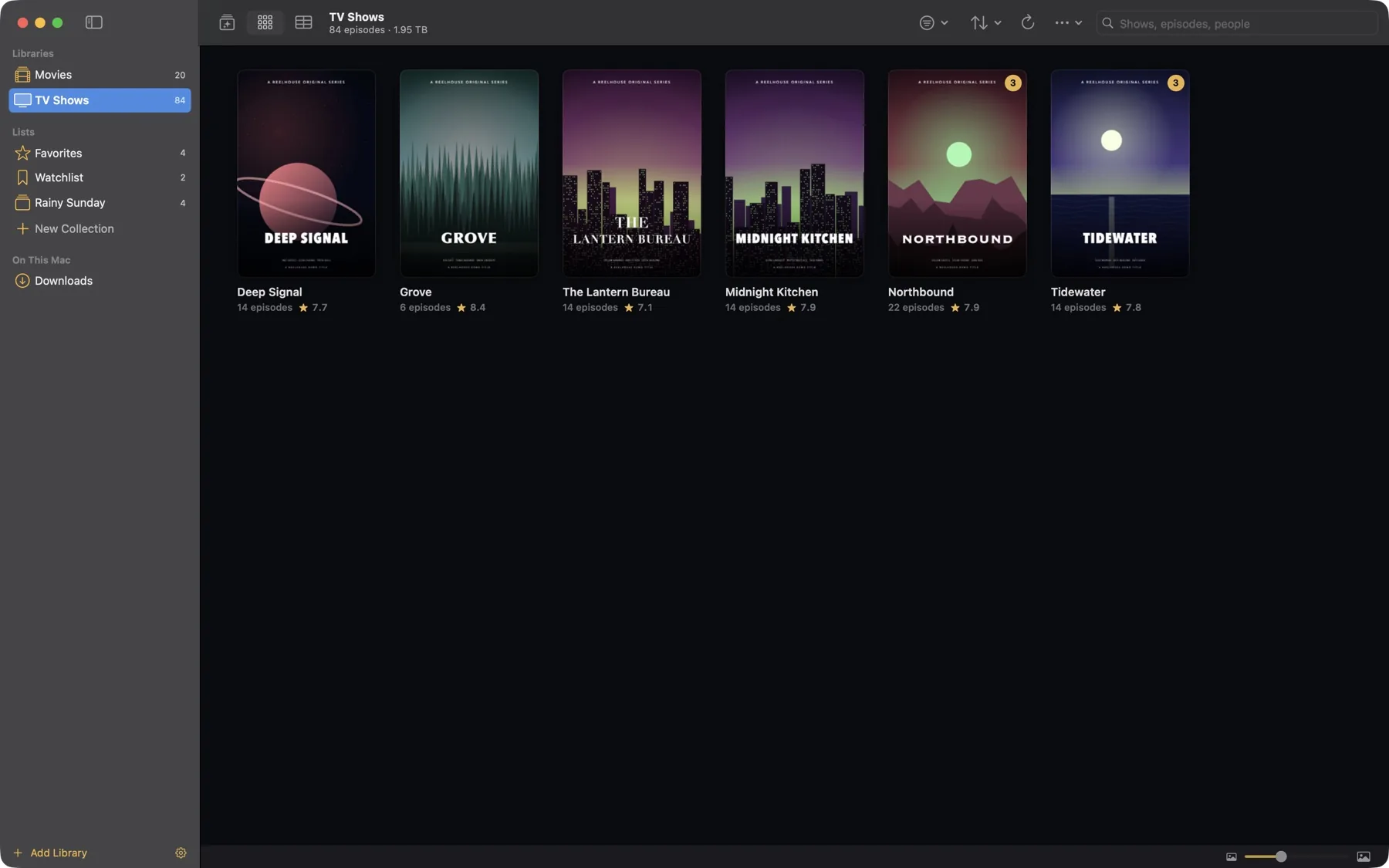
TV Shows poster grid
TV Shows. Unwatched episode counts on every poster.
A movie's detail page with cast, credits and format badges
Details. Cast, crew, studio, format badges, your own notes, and Show in Finder for local files.
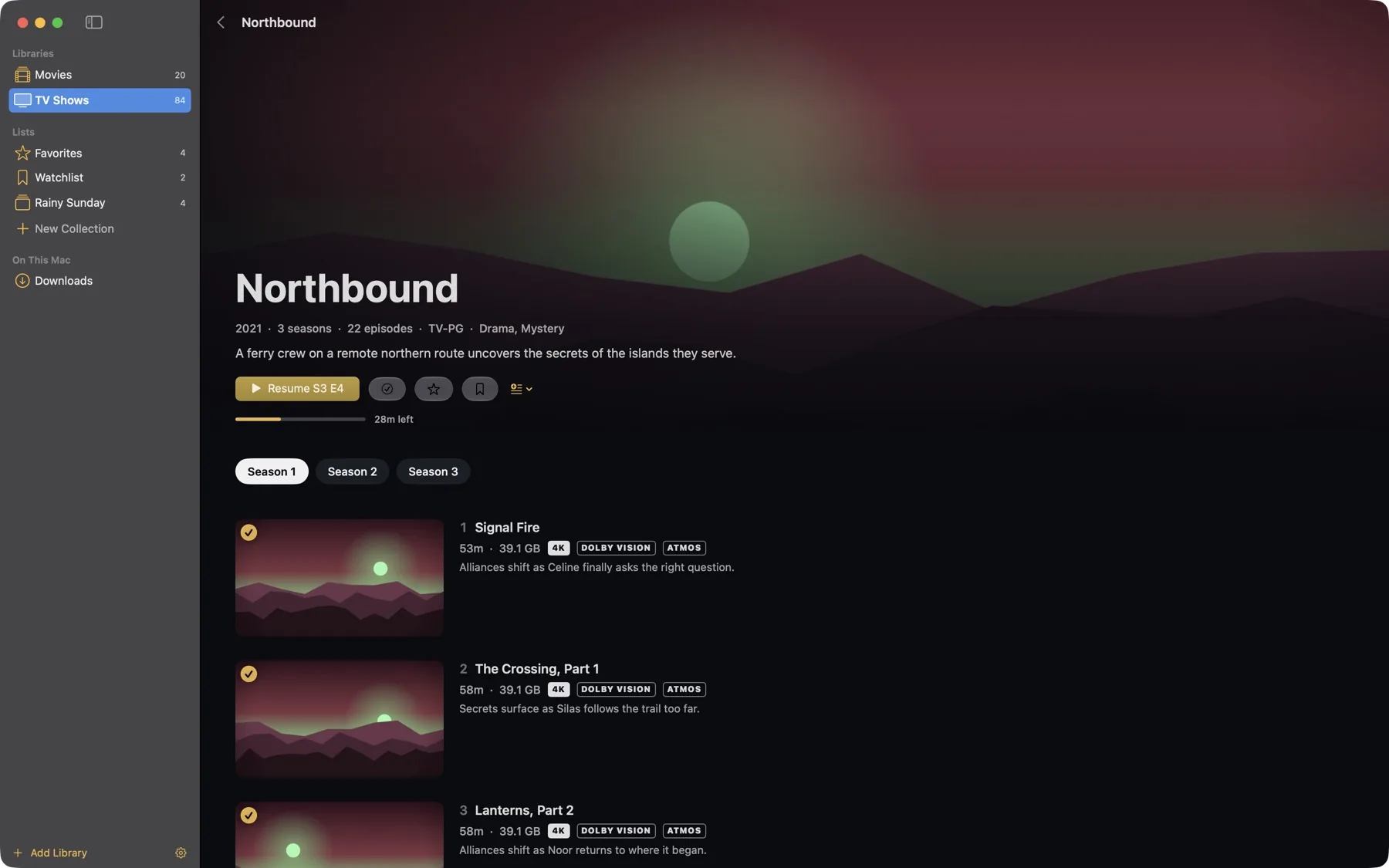
A TV show page with seasons and episodes
Show pages. Seasons, episode stills, progress bars and what's next.
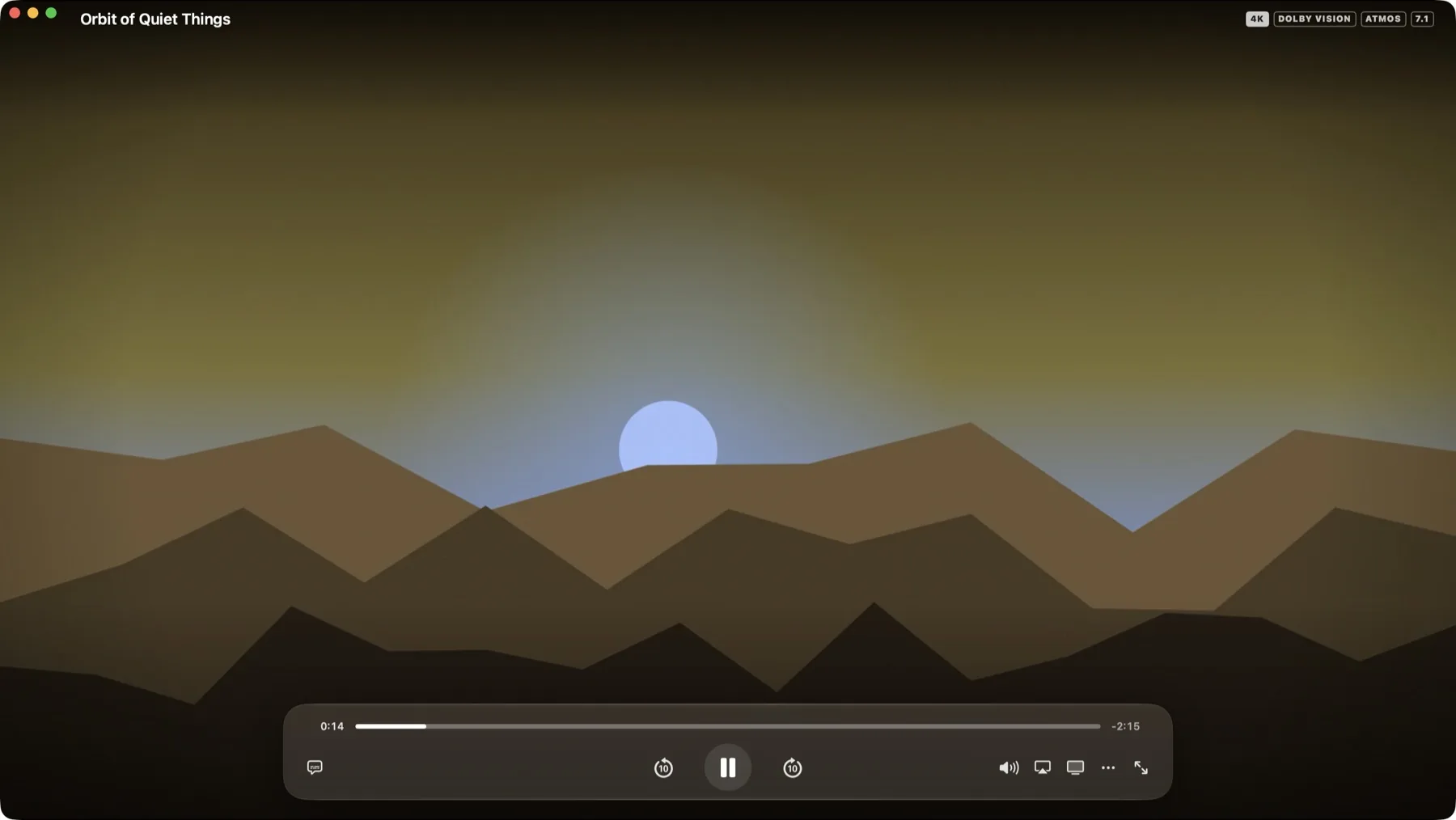
The Mac player window with floating playback controls and format badges
The player. Its own window sized to the picture, with format badges, AirPlay and Chromecast, subtitle and audio menus, and full screen.
Reel 2 · 5 screens

iPhone

The same library in your pocket, built on the same core as the Mac app. Stream from Plex, play straight from an SMB share on your network, or download a copy for the plane.
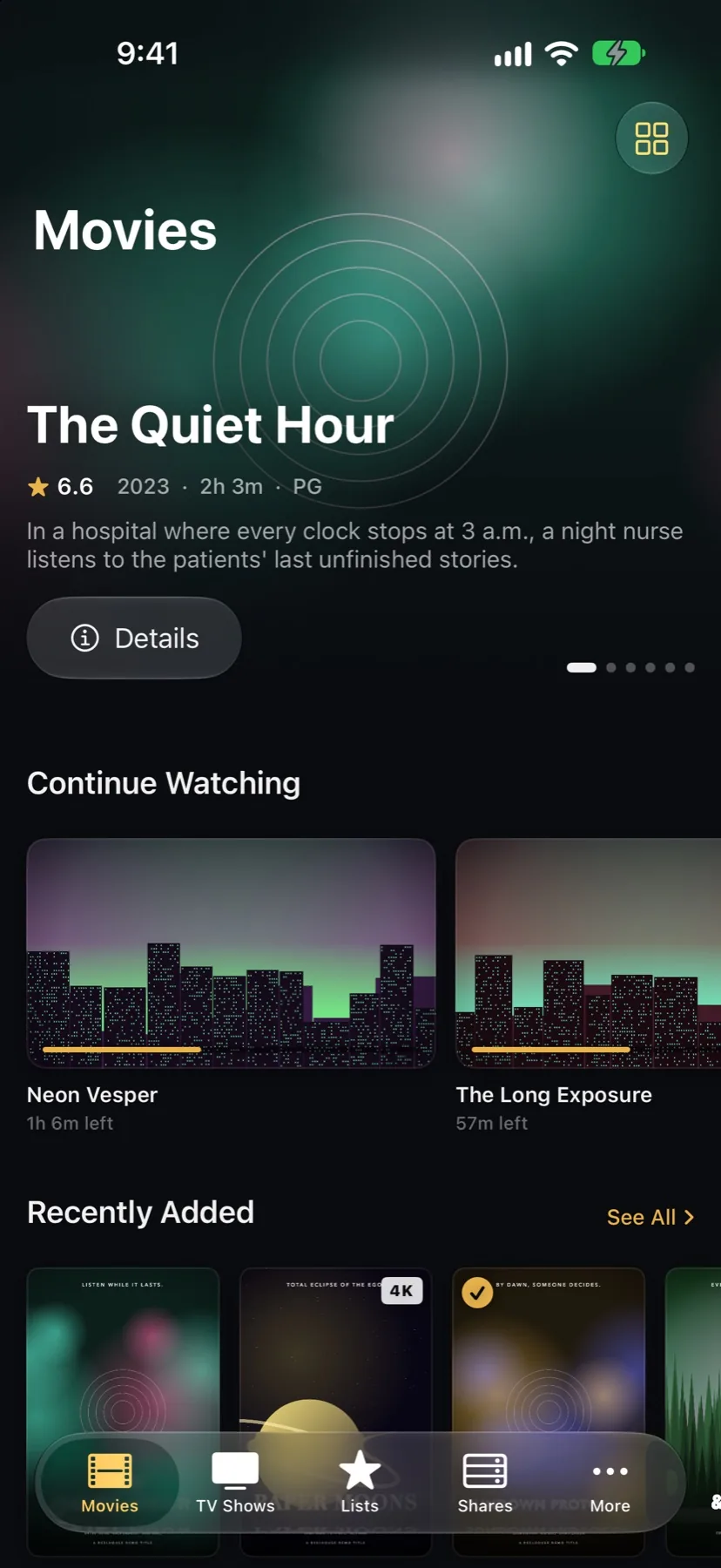
iPhone Movies home
Home. Featured titles, Continue Watching, Recently Added.
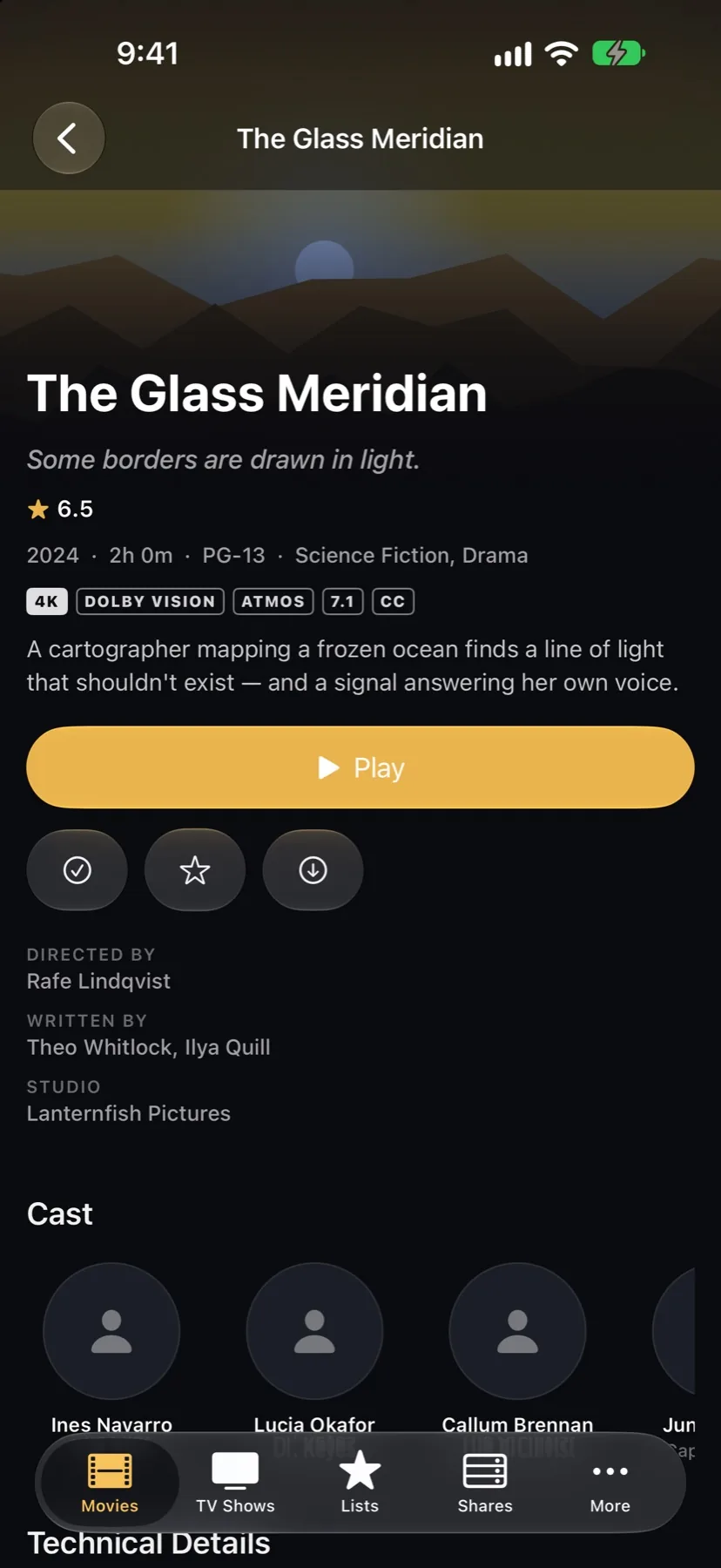
iPhone movie details
Details. Play, resume, mark watched, favorite, download.
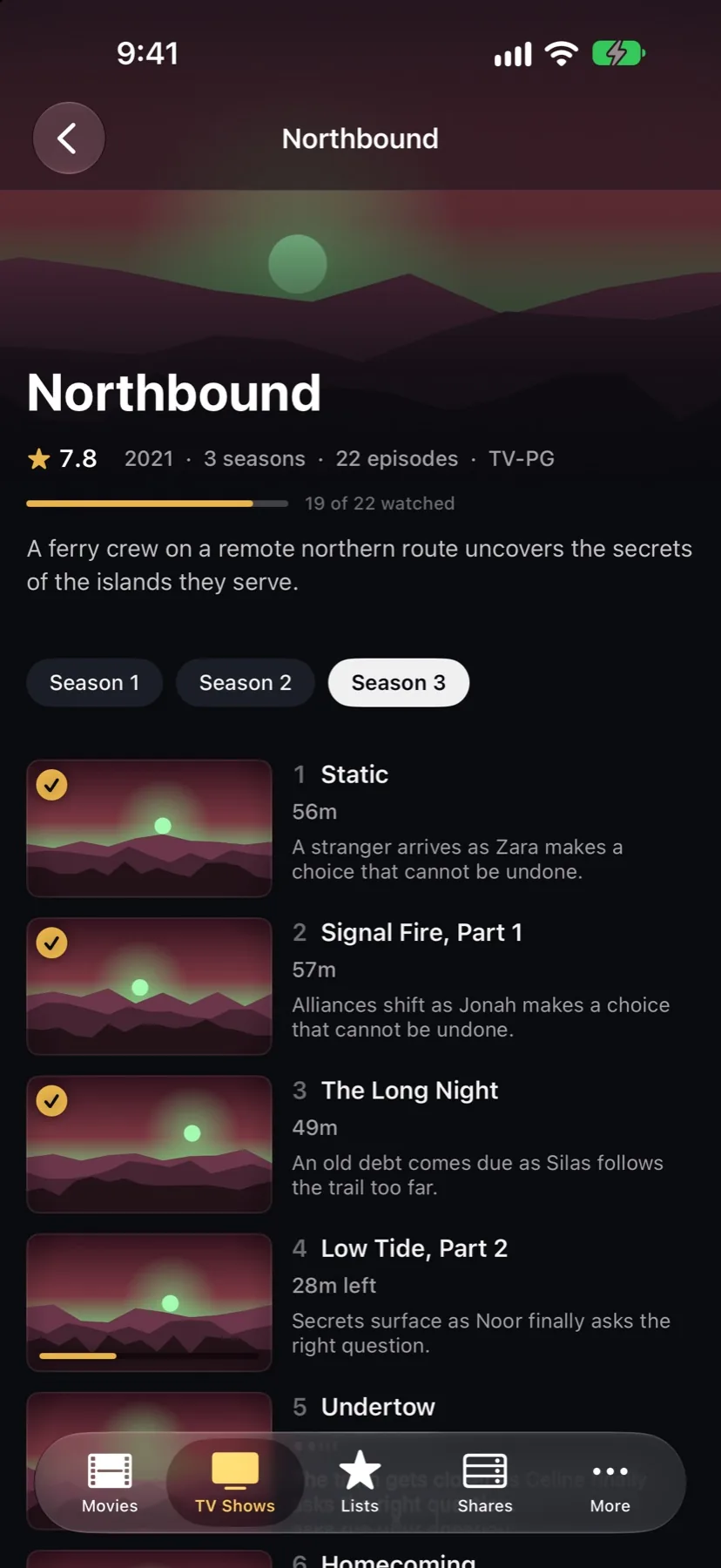
iPhone show page
Episodes. Pick a season, see what's watched.
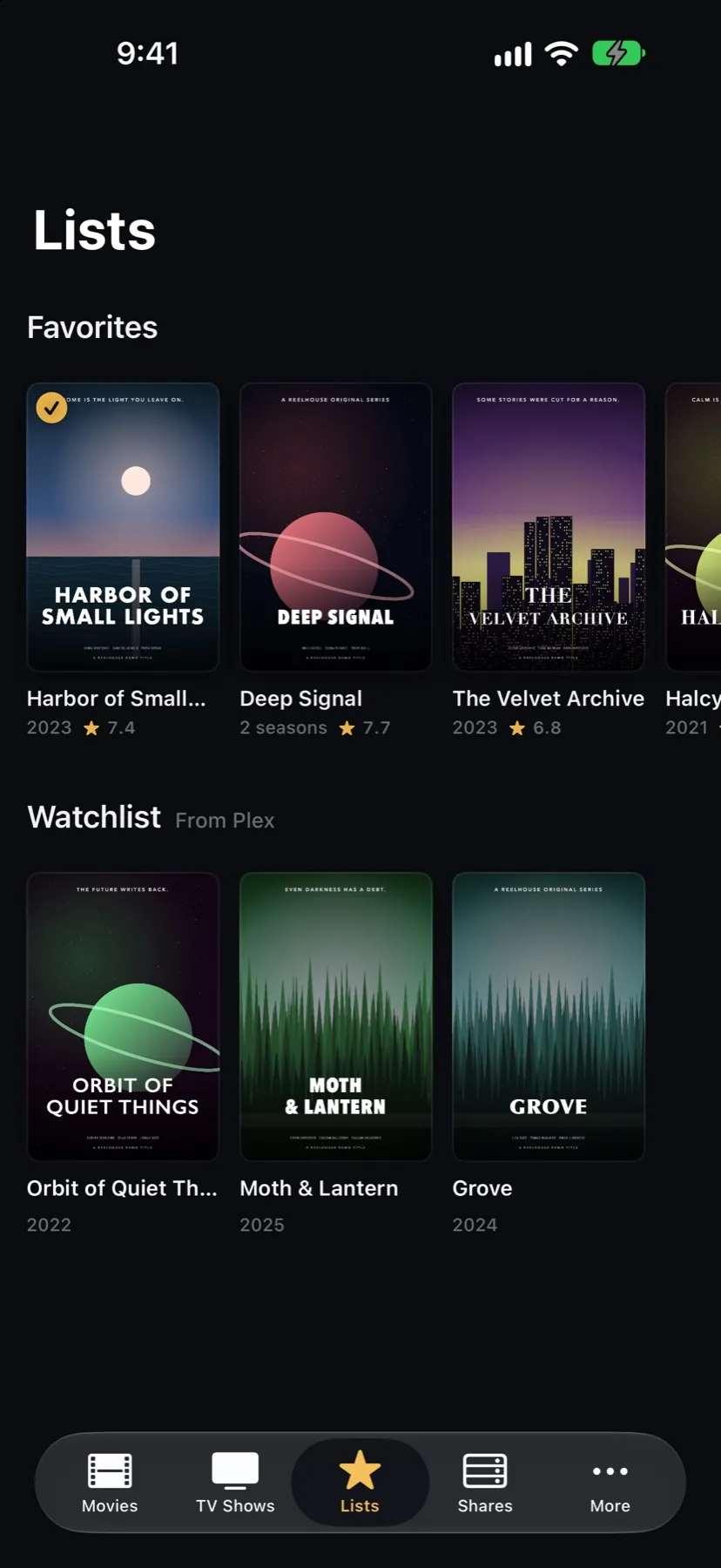
iPhone Lists with Favorites and Plex Watchlist
Lists. Favorites, your Plex Watchlist and collections.
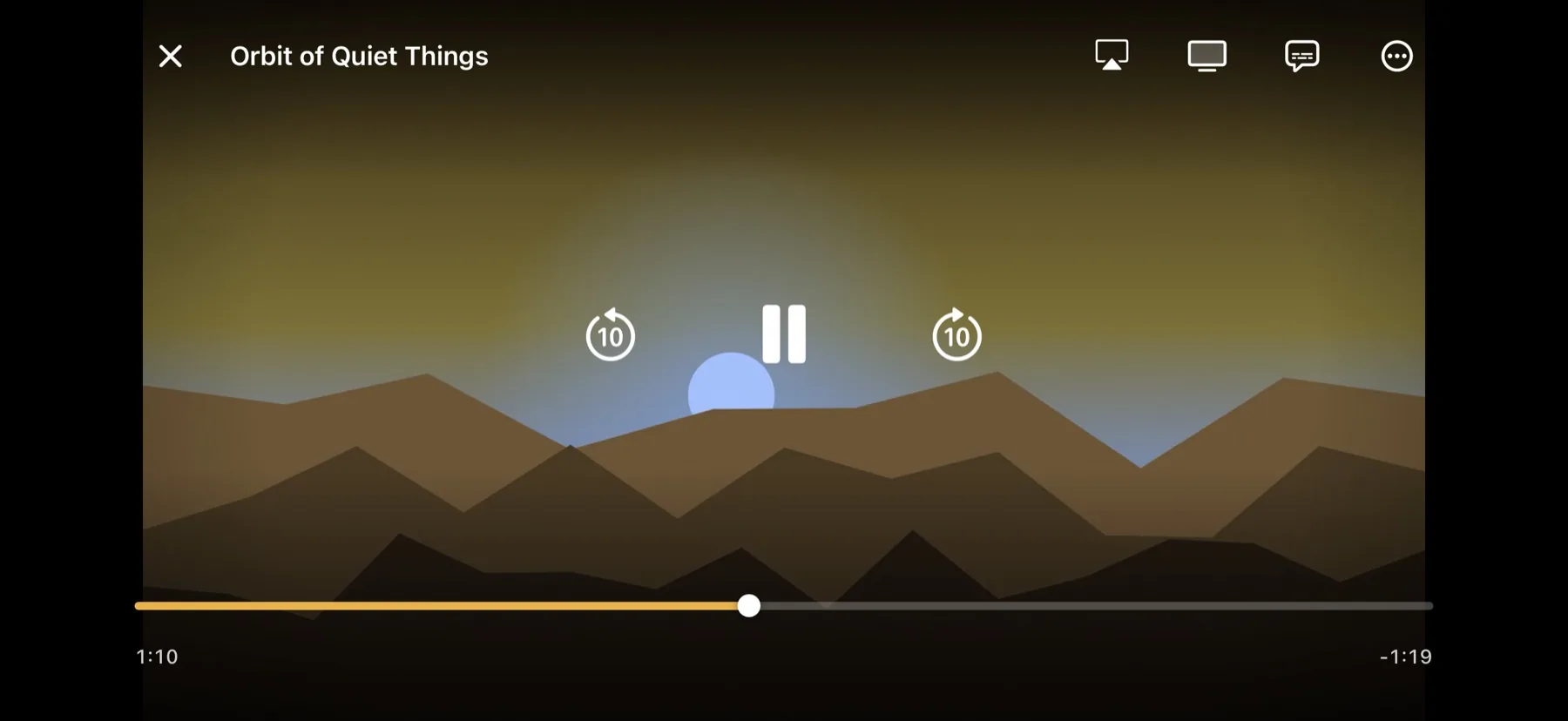
The iPhone player in landscape with playback controls
  • Double-tap to skip. Tap the left or right side twice to jump 10 seconds; keep tapping to go further.
  • Up Next. When the credits start, a card counts down ten seconds and plays the next episode.
  • Send it to the big screen. AirPlay and Chromecast from the top bar, plus Picture in Picture.
  • Subtitles and audio. Switch audio and subtitle tracks without leaving the picture.
Reel 3 · 2 screens

iPad

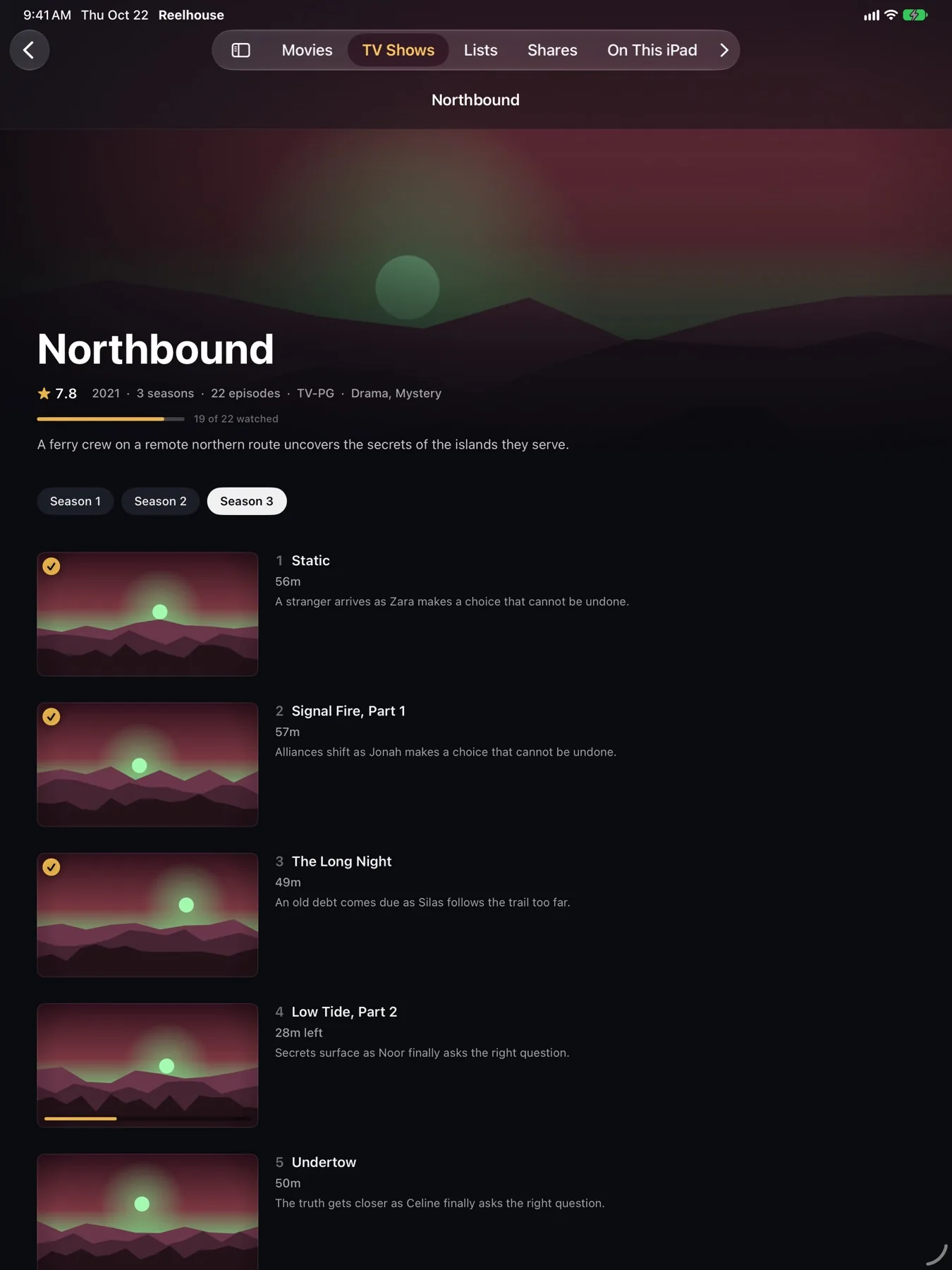
One universal app: on iPad the tab bar moves to the top and the layouts open up, with larger heroes and wider episode lists.
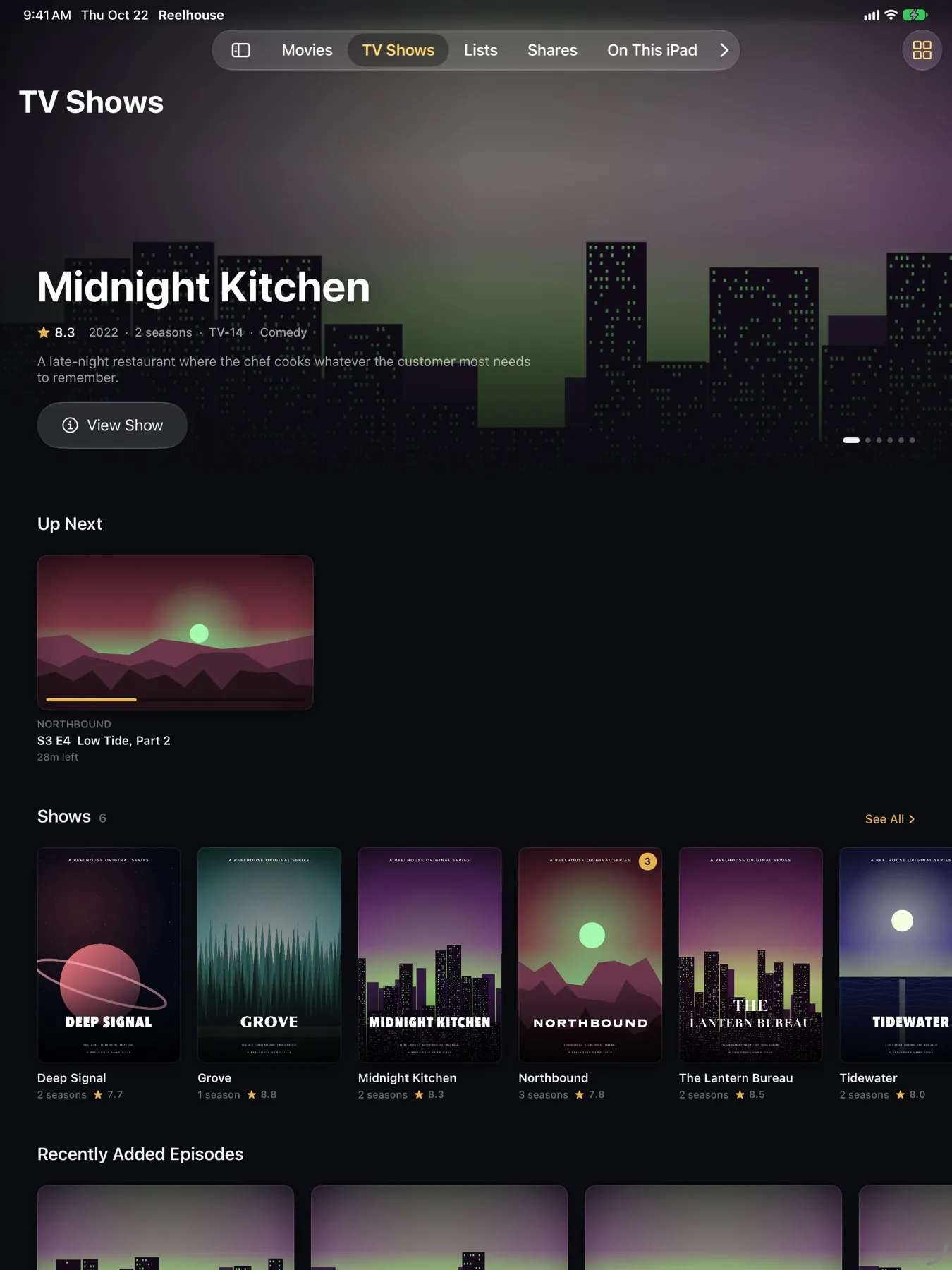
iPad TV Shows home
TV Shows. Up Next picks up where you left off.
iPad show page
Show page. Season picker and episode synopses.
Reel 4 · 3 screens

Apple TV

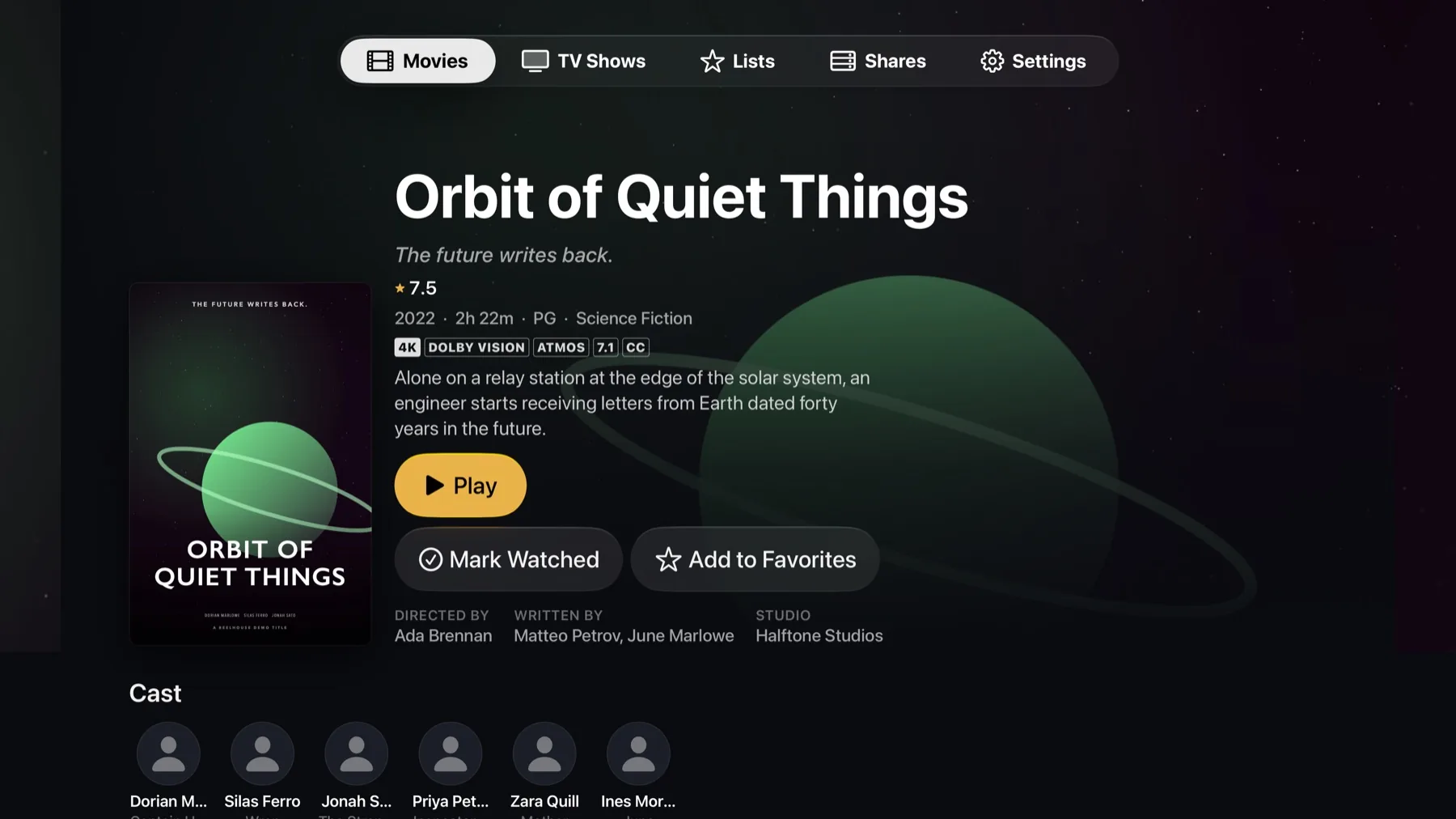
Made for the couch: large type you can read from across the room, a top tab bar, and focus-friendly buttons for the Siri Remote.
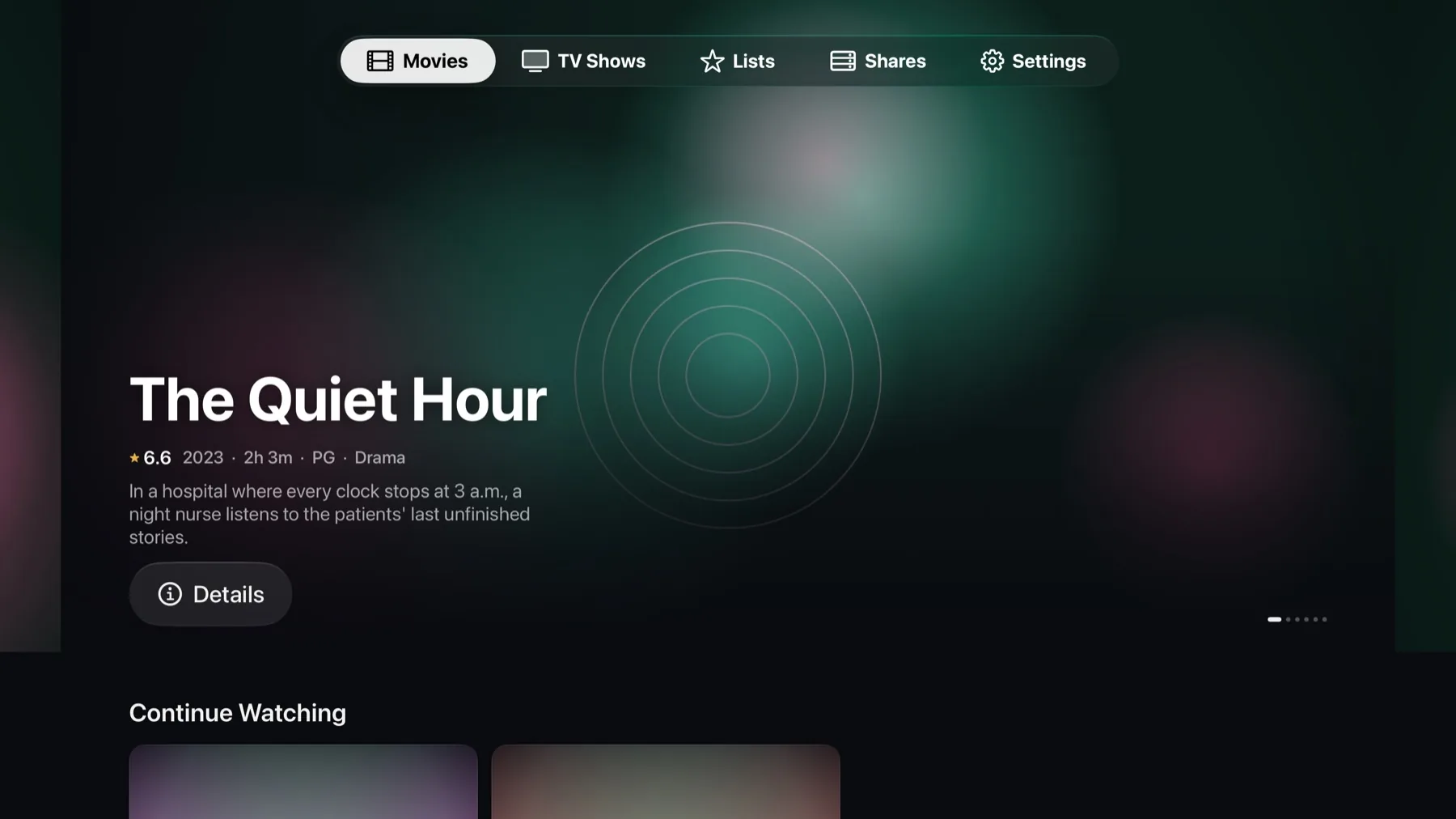
Apple TV Movies home
Movies. A featured carousel, then Continue Watching.
Apple TV movie details
Details. 4K, Dolby Vision and Atmos at a glance.
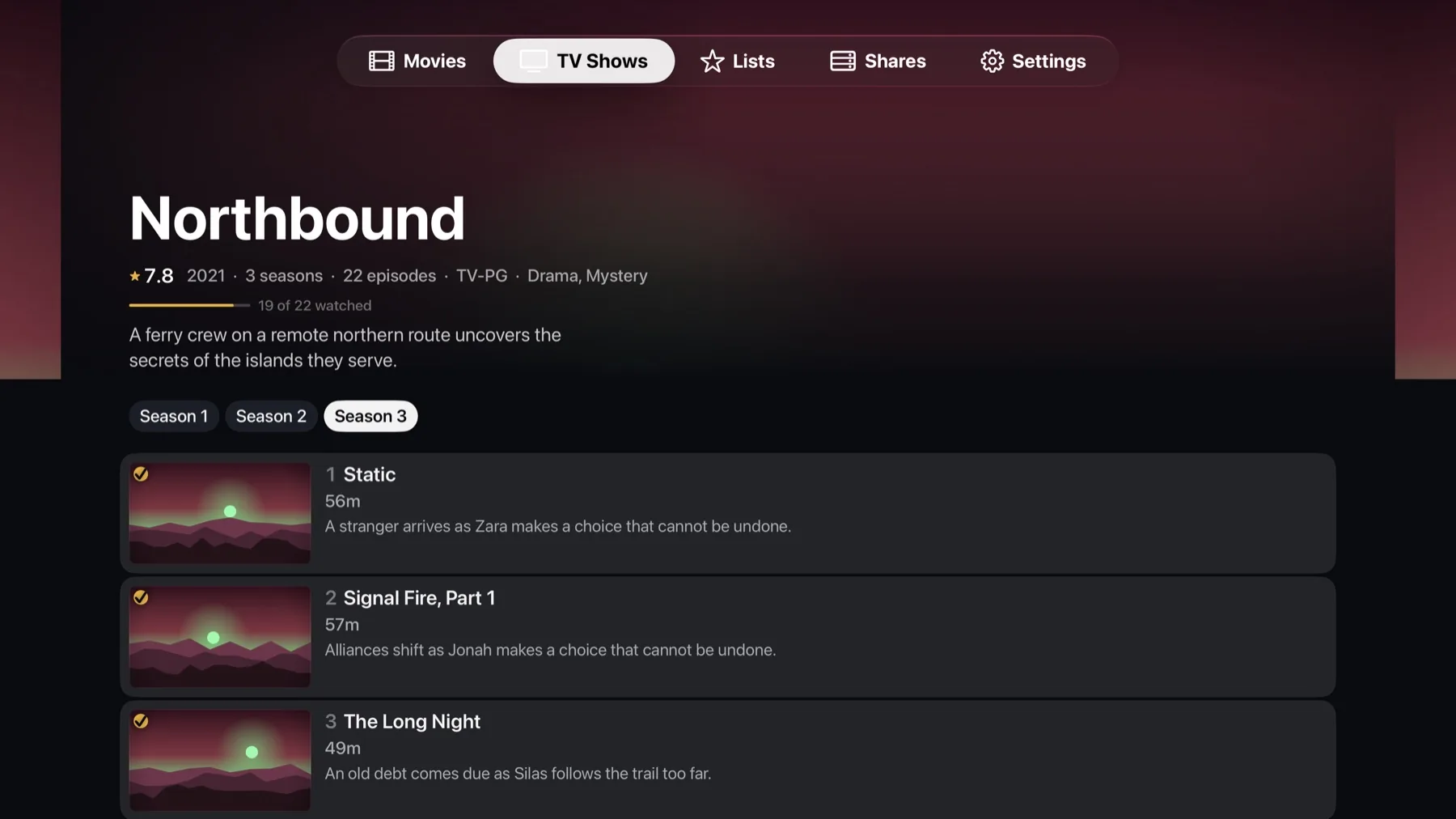
Apple TV show page
Episodes. Watched marks and progress per episode.
Everything in the box

Features

Sources

  • Plex sign-in with libraries and details from the server
  • SMB file shares (plus WebDAV on Mac)
  • Files on the device via the Files app or Finder
  • Streams when a file isn't reachable directly

Player

  • mpv engine for nearly any format
  • 4K, HDR10 and Dolby Vision
  • Fit, Fill, Stretch and aspect-ratio modes
  • Double-tap skip and Up Next autoplay

Subtitles

  • Embedded, external and image subtitles
  • Subtitle search through Plex
  • Per-file subtitle delay remembered for next time

Sync

  • Two-way watch sync with Plex the most recent change wins
  • Resume points for share and device files
  • Plex Watchlist and collections

Library

  • Favorites and your own collections
  • TMDB metadata for cast, crew and artwork
  • Sortable table with technical columns (Mac)

Anywhere

  • Offline downloads from Plex or a share
  • AirPlay and Chromecast
  • Picture in Picture